Visit the site
Visit the siteOrganizations Involved
Community contributions

Full Projects
- Drupal CMS Powerstart Distribution
- CMS Powerstart Core
- CMS Powerstart Blog
- CMS Powerstart Events
- CMS Powerstart Event Registrations
- CMS Powerstart Portfolio
- CMS Powerstart WYSIWYG
- CMS Powerstart News
- CMS Powerstart Contact
- CMS Powerstart Performance
- Bootstrap 3 Shortcodes
- jsDelivr CDN Connect
- Library of shortcode and drag and drop elements
Patches
Glazed is a premium Drupal theme that lets you build beautiful mobile-friendly Drupal websites without writing a single line of code. This is achieved with a number innovations, including a new Drupal distribution, a large collection of ready-made responsive HTML elements, and integration of an open source Drag and Drop library. All these innovations are tied together by Bootstrap 3. All components of the system are mobile-friendly out of the box.
The Glazed project started in the summer of 2014 with development of a new Drupal distribution called CMS Powerstart. This was the first step we took to make Drupal easier to set up and therefore more attractive to new users. We believe it is of paramount importance to attract new, young people to the Drupal community. Newcomers to Drupal often have experience with other systems that we can learn from.
From shortcodes to no codes
At first we used shortcodes to automate the process of coding responsive layouts. This resulted in a nasty user experience when editing large complex pages. We felt compelled to replace the shortcodes 'solution' with a more user-friendly approach. Serendipitously we came into a purely HTML-based visual drag and drop editor, licensed under GPL! We partnered with its developer to create a wholesome experience that combined our knowledge of design, theming and Drupal development.
About the project
After several years of only minor improvements to the SooperThemes' product line it was time for a revolutionary change. We decided to retire the entire product line to make something bold and innovative. It was a risky decision, but with major innovations happening in competing CMS ecosystems we felt compelled to do something.

Improve Drupal's time-to-market for small-business CMS websites
Setting up a mobile-friendly, SEO optimizaed with a WYSIWYG editor, blog, events, event registrations etc. can require a lot of configuration. It also requires specialized knowledge of modules like Media, WYSIWYG and metatag. We automated the process of setting up and configuring these common CMS requirements by building a Drupal distribution that includes finely tuned configuration to meet all these requirements.
We also improved access to our distribution and flexibility in its contents by providing an interface that lets you build a custom-fitted build of our installation profile: http://www.sooperthemes.com/minisites/drupal-cms-powerstart-custom
Helping novice users with building beautiful responsive websites
Mobile first, content first, responsive design, adaptive design... It's easy to get confused by all that is happening in front-end development. We have to build websites that look great across a range of devices from mobile phones to 28" inch professional monitors. This complex problem needs a refined solution. We integrated Bootstrap to get responsive design out of the box and then developed our software around Bootstrap so that we have a cohesive and effective strategy to meet the needs of our time.
Helping experienced site builders work faster through development automation
The visual drag and drop site building experience in Glazed theme is not just for building static pages. It integrates with Drupal blocks and views and can be used to build beautiful dynamic pages and dashboards. The innovations decimate the time it takes to build small business websites. This should not be seen as a threat to front-end development jobs. This new approach lets you focus more on design, creative direction and personalization.
Visual Design and Front-end Architecture

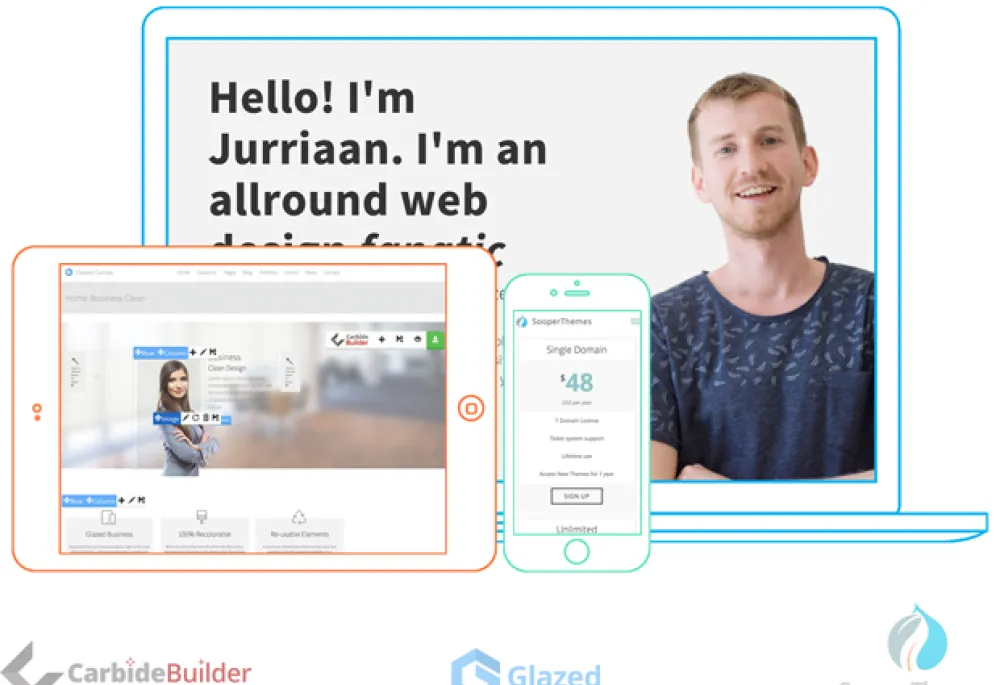
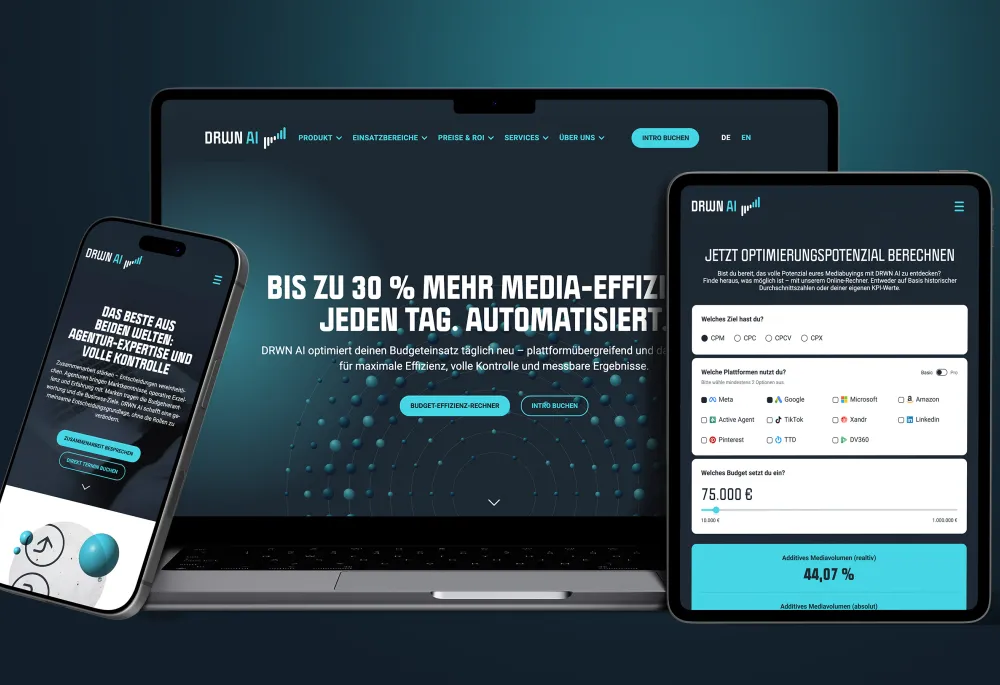
Glazed is a platform for design but at the same time it needs to have a visual identity. Clean design combined with device mock-up photography was our direction of choice.
Art direction is not something you associate with off-the-shelf templates, but we decided to give our theme a clear creative direction. We do the same with all niche demo packs we created for Glazed. After all, now that much of the site-building is automated we have extra time :)
Bootstrap Integration
Bootstrap 3 is a well-documented front-end framework that provides a clear strategy to tackle the multi-device problem. Bootstrap comes with a large set of tools, helper classes and interactive components that instantly add value to our integrated suite of site-building tools.
Glazed theme integrates with Bootstrap on many levels:
- Bootstrap based Drag and Drop page builder
- Bootstrap views integration
- Bootstrap fields API integration
- Bootstrap block class integration
- Bootstrap shortcode library
- Bootstrap basetheme
- Bootstrap SASS subtheme
- Bootstrap image style and media integration
- Bootstrap based Drupal Distribution
If you would like to learn more about the work that went into Bootstrap integration, I wrote a Tutorial that covers all the modules that were used:
http://www.sooperthemes.com/drupal-blog/drupal-cms-powerstart-tutorial-…
SASS and a library of beautiful responsive elements
What good is a drag and drop tool if it doesn't come with ready-made elements to drop in your page? We created a collection of elements ranging from simple buttons to complex elements like pricing tables and motion boxes. Here are just a few examples:
a href="http://glazed-demo.sooperthemes.com/elements/pricing-table">http://glazed-demo.sooperthemes.com/elements/pricing-table
http://glazed-demo.sooperthemes.com/elements/motion-image-box
http://glazed-demo.sooperthemes.com/elements/circle-counter
http://glazed-demo.sooperthemes.com/elements/time-line
http://glazed-demo.sooperthemes.com/elements/full-width-section
http://glazed-demo.sooperthemes.com/elements/icon-box
Improving Drupal's Default Markup
Out of the box Drupal outputs markup that is easy to theme but could do with some optimization. there are some great tools available to gain control over Drupal's HTML output. The first is the Bootstrap basetheme, which overrides most of Drupals' templates. This will not only get you nicer formatting but also nice Bootstrap forms and icons on form buttons.
The Fences and HTML5_tools add field-level control of HTML output and HTML5 forms. We integrated the Metatag module for better SEO and general future-friendliness. Metatags give search engines and other non-human readers a deeper level of information about the pages and structure of the website. We configured to SEO optimize our CMS Powerstart components. For example, we set a robots no-index Metatag on events archive pages and blog archive and taxonomy pages because they only contain duplicate content from your nodes. This focusses link juice on your full content pages.
Visual Drag and Drop Page Builder

The system is completely HTML-based, so it leaves no proprietary tags or shortcodes in your database. If you disable the drag and drop builder your site will still work fine and your drag and drop pages will still be editable like normal pages. SooperThemes made improvements to the framework and added a large collection of mobile friendly elements that are ready to be dropped into your page. All elements are fully editable and easy to customize.
The user experience is very visual. The editor doesn't have a back end and a front end. you edit visually and press save. Your website's visitors will see the same page you are looking at while editing. The grid system is based on Bootstrap 3. You can visually select a configuration of columns and then use a select box to set the breakpoint to mobile, tablet etc.
Why Drupal was chosen
- Unparalleled feature set out of the box
- Support for continuous integration for development of our product
- We have 10 years of Drupal experience

Technical Specifications
Key modules/theme/distribution used:
We integrated modules into our Drupal Distribution that were typically needed in deployment of small-business CMS websites. This includes site-building tools like Views and Entity API as well as a WYSIWYG and Media management set-up.
While the drag and drop editor is great for building responsive page layouts and blocks, we use CKEditor for simpler page and text fields.
Modules we didn't use
We deliberately chose not to integrate Panels, Display Suite or Context. Instead we only use Drupal's core block management to add peripheral content to our CMS components. We decided on this because the Drupal community is divided by their preference for one or more of these block management modules. If you choose Drupal CMS Powerstart as your Drupal distribution you can easily implement your preferred layout management suite on top. Or you can stick with Drupal's path based block system, which is fine for most small websites.